Updated September 15, 2026 · Reviewed for pricing, product positioning and source accuracy
Why can’t AI search engines see your website?
“AI cannot see my site” can mean several different things. The page may be blocked, not indexed, accessible but not selected as a source, or visible to one engine and absent from another. Diagnose those layers in order instead of jumping directly to content optimization.
Quick answer: why might an AI engine not show your website?
“Invisible to AI” can mean four different things: the page is blocked, not indexed, indexed but not retrieved for the query, or retrieved but not selected as a citation. Diagnose those layers in that order. Fixing headings and adding GEO copy will not help if the crawler receives a challenge page, the canonical is wrong or the URL is missing from the relevant index.
- Check HTTP access and canonicalization before content changes.
- Separate indexing problems from citation-selection problems.
- Compare multiple AI/search systems; absence in one does not prove global invisibility.
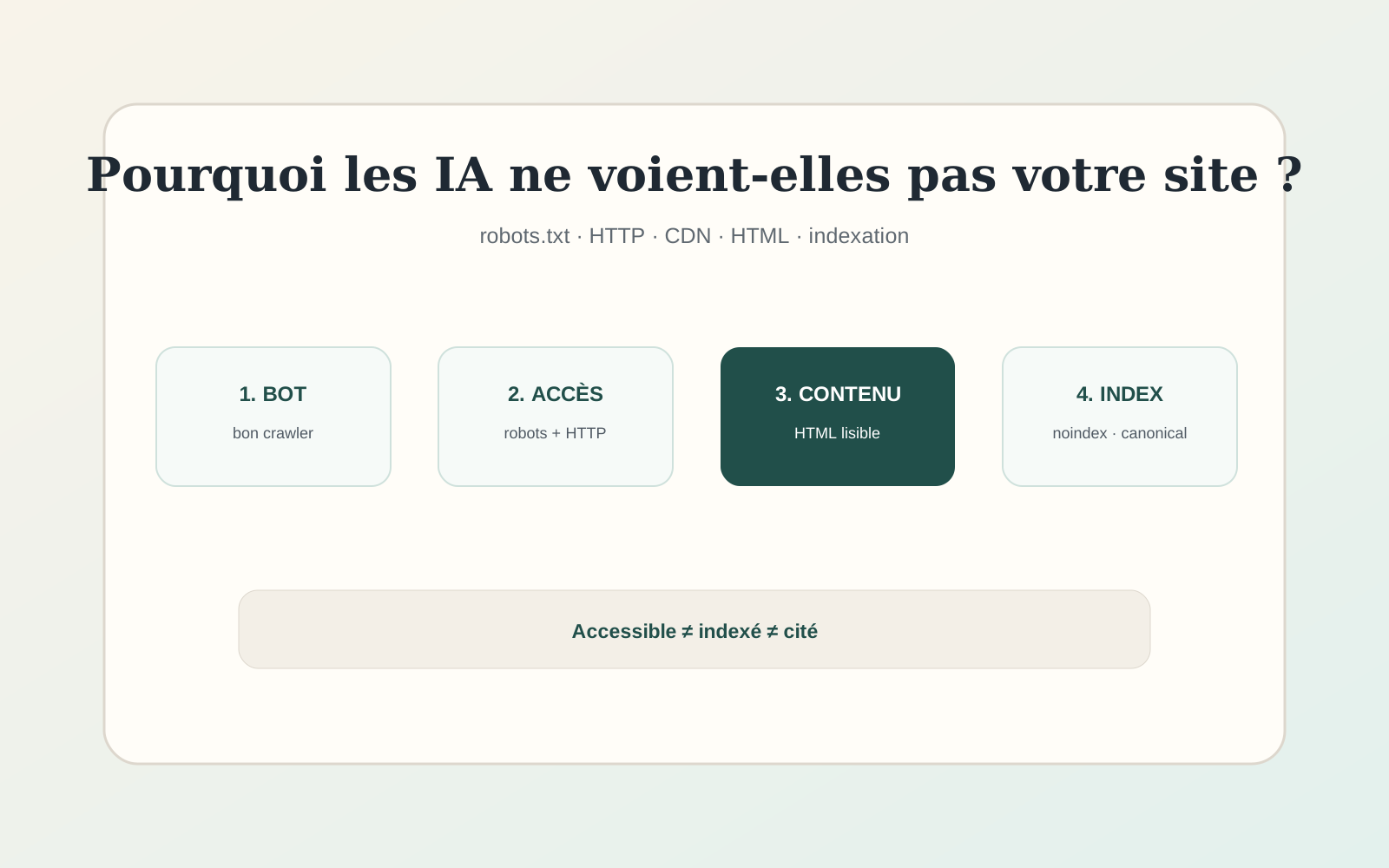
Accessible, indexed and cited are three different states
A page can be technically accessible but never indexed. It can be indexed but never cited. It can even be cited by one AI product and absent from another. Keeping these states separate prevents hours of “GEO optimization” on a page that is simply blocked.
Start with the network and HTML, then move upward to indexing, authority and content quality.
Check the HTTP response
Open the canonical URL and verify that it returns a successful response rather than a redirect loop, soft 404, challenge page or regional block. CDN and bot-protection systems can serve a normal page to a human browser while challenging automated crawlers.
If a security layer blocks unknown bots, review the provider logs or rules before changing content.
Read robots.txt carefully
Robots.txt can block specific crawlers or entire site sections. Do not assume there is one universal “AI bot.” OpenAI, Anthropic, Perplexity and Google publish their own crawler information, and some companies separate search retrieval from model-training controls.
Use the exact user-agent documentation for the product you care about. Blocking a training crawler is not necessarily the same as opting out of search visibility.
Check noindex, canonical and sitemap
A page with a noindex directive should not be expected to appear in conventional search indexes. A canonical pointing to another URL can also tell a search system that the other page is the preferred version.
Sitemaps help discovery but do not force indexing. Keep only canonical, indexable URLs in the sitemap and update last-modified dates meaningfully rather than on every deployment.
Make sure the important content exists in HTML
Some sites render critical text only after client-side JavaScript executes or hide it behind interactions. Modern crawlers can render many pages, but relying on complex client-side behavior adds failure modes.
For editorial pages, put the primary answer, headings and body text in server-delivered or static HTML whenever practical. This also improves resilience for accessibility, archiving and slower clients.
Engine-specific crawler controls
Google, OpenAI, Anthropic and Perplexity do not use identical crawler names or product rules. Review their current documentation before changing robots.txt. For Google in particular, controls related to model training are not the same thing as controls for Search features.
Keep a short internal record of why each bot rule exists. Accidental blanket blocks are common when a generic anti-AI robots file is copied without understanding the consequences.
When the problem is not technical
If the page is accessible, indexable and already appears in conventional search, lack of AI citations may be a source-selection problem. The content may be too generic, lack evidence, duplicate stronger sources or fail to answer the prompts where you expect visibility.
At that point, compare the sources the engine actually cites. The gap is often editorial rather than technical.
A 15-minute diagnostic sequence
Start by fetching the exact canonical URL in an incognito browser and a command-line HTTP client. Confirm the final status code, redirect destination and rendered content. Then inspect robots.txt, page-level robots directives and canonical. This resolves a surprising number of visibility problems before any AI-specific work begins.
Next, search the page title or a distinctive sentence in a conventional search engine. If the page is not discoverable there, fix basic indexing and site architecture first. If it is indexed, compare the pages that AI systems cite for your target prompts. You are now diagnosing source selection rather than access.
Finally, change one layer at a time. If you simultaneously alter robots rules, page copy, internal links and schema, you will not know which change mattered. A controlled sequence is slower for one afternoon and much faster over a month of troubleshooting.
Keep screenshots or logs of crawler blocks when you troubleshoot. CDN rules, managed bot protection and firewall products can change independently from your CMS, and a problem that disappears during testing may return after a security rule update. A dated record of the response code, headers and bot rule makes future incidents much easier to diagnose.
Frequently asked questions
Does blocking GPTBot block ChatGPT Search?
Crawler roles can differ. Check OpenAI’s current documentation rather than assuming one bot name controls every OpenAI product.
Does Google-Extended control AI Overviews?
Google documents Google-Extended separately from its core Search crawling controls. Review current Search Central guidance for AI features.
Does a sitemap guarantee AI visibility?
No. A sitemap helps discovery; it does not guarantee indexing, citation or recommendation.
Sources and verification
Product capabilities and pricing can change. We prioritize first-party documentation for purchase-critical details and recommend checking the vendor before subscribing.
- OpenAI — search in ChatGPT
- Anthropic crawler information
- Perplexity robots.txt information
- Google Search Central — AI features
- Google crawler overview