Reviewed September 27, 2026 · SmartCreatorHub
Granola AI Review 2026: Is It Worth It?
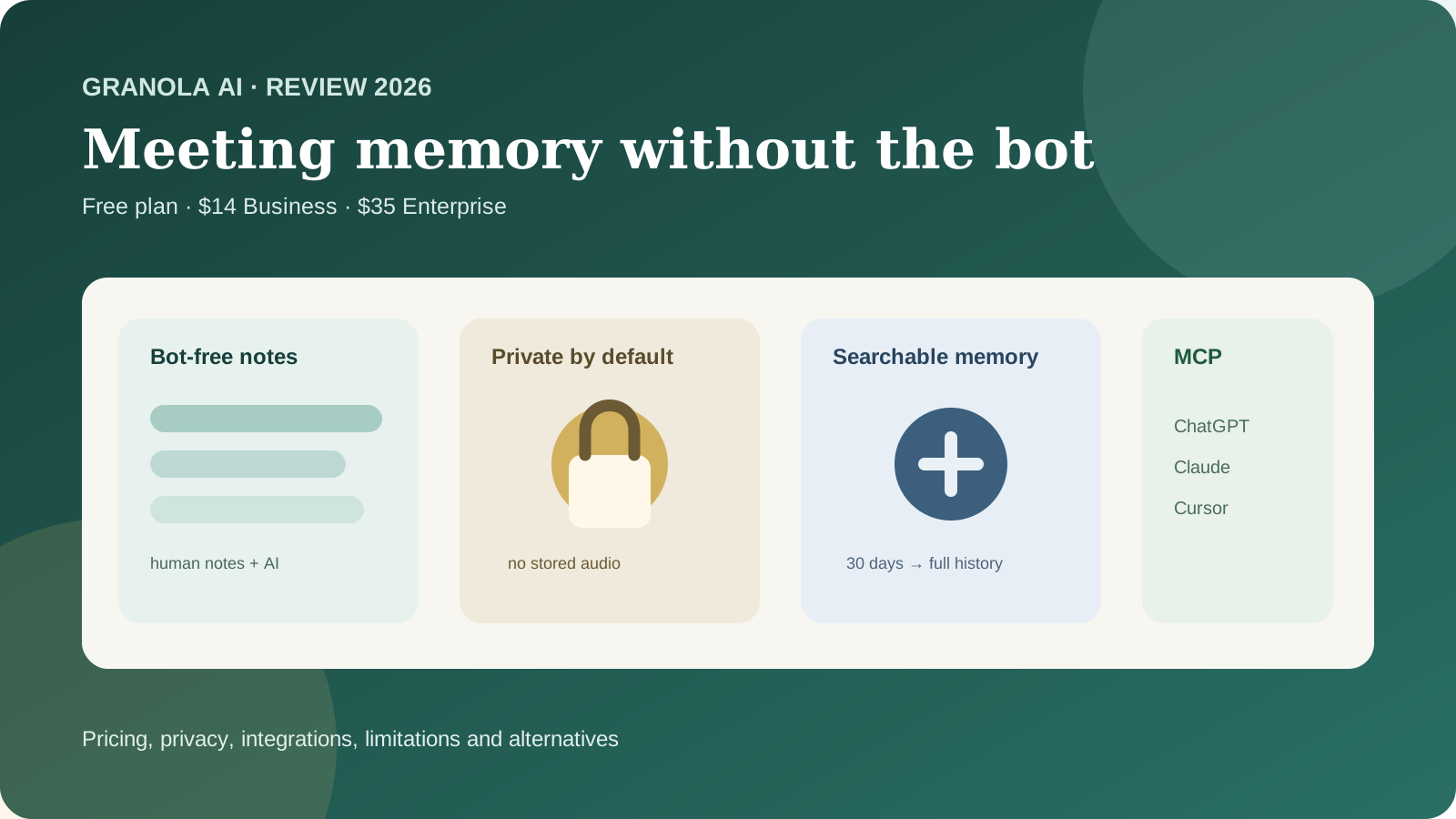
Granola is an AI meeting notepad built around a simple idea: help you stay present in meetings without adding a visible bot to the call. It runs on your device, captures meeting audio for transcription, enhances your rough notes with AI and turns past meetings into searchable working memory. The Basic plan is free, Business costs $14 per user per month, and Enterprise costs $35 per user per month.
What is Granola AI?
Granola calls itself an AI notepad for back-to-back meetings. Unlike traditional meeting assistants that enter Zoom, Google Meet or Microsoft Teams as another participant, Granola runs on your own computer or phone and listens through the device.
You can type rough notes while you talk, or focus on the conversation and write very little. After the meeting, Granola uses the transcript to improve and structure the note. You can then search it, share it, ask questions across your history and use the information in other AI tools.
Official source: Granola product page
Granola pricing in 2026
| Plan | Price | Meeting capture | History | Best fit |
|---|---|---|---|---|
| Basic | $0 | Unlimited | Last 30 days accessible | Individuals testing the workflow |
| Business | $14/user/month | Unlimited | Unlimited | Individuals and small teams |
| Enterprise | $35/user/month | Unlimited | Unlimited | Larger organizations needing governance |
Older Granola reviews often mention legacy meeting caps or outdated plans. The current free-plan constraint is primarily history access, not the number of meetings you can capture.
Official source: Granola pricing
Granola Basic: how good is the free plan?
Basic costs $0 and includes AI meeting notes, AI chat within and across meetings, shared folders, custom note templates, multi-language support and the ability to opt out of model training.
The main limitation is simple: only the last 30 days of meeting history stay accessible. Older meetings are not necessarily deleted; they become inaccessible until you upgrade.
That makes Basic unusually useful if you want to test Granola properly rather than getting only a few trial meetings.
Is Granola Business worth $14 per month?
Business removes the 30-day ceiling and adds the features that matter once Granola becomes part of a real workflow:
- unlimited meeting history;
- advanced AI models and features;
- integrations with Attio, Notion, Slack, HubSpot, Affinity and Zapier;
- centralized billing and user management;
- broader MCP functionality;
- API access listed on the pricing page.
For founders, recruiters, product managers and salespeople who regularly need to revisit conversations from previous months, the full archive can be more important than any individual AI feature.
What does Enterprise add for $35 per user?
Enterprise is mainly about governance. It adds SSO, usage analytics, organization-wide auto-deletion periods, admin controls for sharing and API access, centralized model-training controls and organization-wide participant notification features.
Granola’s current Enterprise page lists HIPAA as “coming soon”. If HIPAA is a hard requirement, verify the current status with Granola before using it for protected health information.
Official source: Granola Enterprise
How Granola's bot-free meeting notes work
On Mac and Windows, Granola captures your system audio and microphone instead of joining the meeting as a separate participant. That lets it work across Zoom, Meet, Teams, Webex, Slack Huddles and other meeting apps.
For in-person conversations, the iOS and Android apps can use the phone microphone.
Bot-free does not mean consent-free. You should still inform participants when a conversation is being transcribed whenever law, policy or client terms require it.
Does Granola store meeting audio?
Granola says it does not store meeting audio. On desktop, audio is transcribed in real time. On mobile, audio may be temporarily cached during the meeting and is deleted after transcription. The transcript and notes remain.
Official source: Granola security
Granola privacy and model training
Granola says third-party AI providers such as OpenAI and Anthropic are contractually prohibited from training their models on customer data.
Granola itself says it may use anonymized data to improve its own product. Users can opt out in Settings on every plan. Enterprise turns model training off by default across the organization.
Notes are private by default until you choose to share them.
SOC 2, GDPR and EU data residency
Granola says it achieved SOC 2 Type II certification and supports GDPR requirements. Data residency deserves separate attention, however.
Granola currently states that data is stored on AWS infrastructure in the United States and that EU data residency is not yet available. For some regulated or procurement-heavy European organizations, that can be a hard constraint even when GDPR contractual requirements are otherwise addressed.
Official source: enterprise security and data residency
Does Granola work on Mac, Windows, iPhone and Android?
Yes. Granola is currently available on macOS, Windows, iOS and Android. Desktop is the natural fit for virtual meetings; mobile is useful for in-person conversations and calls on the go.
Some feature details still vary by platform. For example, Granola’s documentation notes that custom templates are currently created and applied on the Mac and Windows desktop apps rather than iOS.
Granola Chat: asking questions across meetings
Granola Chat turns the note archive into something you can query. Instead of opening meetings one by one, you can ask questions such as “What objections did customers mention this week?”, “What action items are still open?” or “How has this customer’s priority changed over the last quarter?”
The feature becomes more valuable on Business because the searchable window expands from 30 days to your full history.
Recipes: repeatable post-meeting work
Recipes are reusable prompts for recurring post-meeting tasks. Granola lists workflows such as follow-up emails, coaching feedback, PRDs and feature-request extraction.
This moves Granola beyond passive storage: meetings become structured inputs for repeatable business processes.
People & Companies
People & Companies organizes meeting history around the people and organizations you speak with. Basic shows that relationship view within the 30-day window; Business turns it into a longer-term history.
For sales, recruiting and research, this is often more useful than browsing meetings only by date.
Granola + ChatGPT
Granola now offers a first-party MCP connector for ChatGPT. After connecting the two services, ChatGPT can work directly with your meeting notes instead of relying on copy-paste.
You can ask for recent action items, decisions from previous calls or a synthesis of what a customer has said across multiple meetings.
On Basic, ChatGPT can access your own notes from the last 30 days. Business and Enterprise expand that to full history and transcript access, subject to permissions.
Official source: Granola + ChatGPT
Granola MCP: why it matters
MCP lets compatible AI tools work with your meeting context. Granola lists ChatGPT, Claude, Cursor and other MCP-compatible apps.
| Plan | MCP history | Transcript access |
|---|---|---|
| Basic | Last 30 days | No |
| Business | Full history | Yes |
| Enterprise | Full history, admin-controlled | Yes |
This is one of Granola’s strongest 2026 differentiators because your meeting notes can become context for work happening outside Granola itself.
Granola integrations
Granola currently lists integrations and workflows with HubSpot, Attio, Affinity, Notion, Slack, Zapier, Google Docs, Google Drive, OneDrive, OneNote, ChatGPT, Claude, Cursor, Gemini, Figma, Replit, Microsoft 365 Copilot and other MCP-compatible tools.
Zapier expands the workflow to thousands of additional apps, while MCP is the more interesting route when you want AI tools to reason over meeting context.
Official source: Granola integrations
Granola for sales teams
Granola fits sales well when reps want to stay focused on the prospect instead of writing everything down. Notes can support follow-ups, CRM workflows and account context after the call.
The workflow is especially useful when the rep wants to jot only what feels important and let AI restore the missing context afterward.
Granola for product and research teams
Product teams can use Granola for customer interviews, consistent templates and synthesis across conversations. Business is much more attractive here because long-term interview history is often where the value compounds.
Granola for founders and executives
Founders and executives often jump between sales, hiring, product and fundraising meetings. Granola’s mix of searchable notes, relationship memory and AI connectors can create a useful personal meeting memory without adding a bot to every call.
Pre-meeting briefs and calendar context
Granola also works before the meeting starts. It syncs with your calendar and can prepare a brief for external meetings with context such as who is attending, what was discussed previously and what may matter in the upcoming conversation.
This matters because the product is increasingly designed as a meeting-memory system rather than a post-call summarizer. If you speak with the same customer, candidate or partner repeatedly, previous notes can become preparation material for the next conversation instead of remaining buried in an archive.
Custom templates and structured notes
Custom templates let you decide how Granola should organize the final note. A salesperson might want sections for pain points, objections, buying process and next steps. A researcher might use problem, current workaround, evidence and feature request. A recruiter could use motivation, experience, concerns and hiring recommendation.
This is one of the reasons Granola's human-in-the-loop approach is useful: the same transcript can be turned into different structured outputs depending on the job being done.
Shared folders and team collaboration
Shared folders make notes collaborative without making every note public by default. Teams can group customer interviews, account calls or recurring projects into a common space while the user's other notes remain private.
On Business, the full history and stronger search capabilities make these folders much more useful as a long-term knowledge base. On Basic, the same 30-day history limit still applies to what you can work with.
Which Granola plan should you choose?
For most individual users, the upgrade decision is not about meeting limits. It is about whether old conversations, integrations and organization-level controls are valuable enough to justify the monthly fee.
Is Granola good value for money?
At $14 per user per month, Business is priced more like a productivity tool than a full call-intelligence platform. The value depends on whether meeting notes become reusable work rather than a pile of summaries.
If you regularly turn calls into CRM updates, product research, follow-up emails, hiring notes or AI-assisted documents, the combination of unlimited history and integrations can create compounding value. If you only need occasional summaries and rarely revisit old meetings, Basic may be enough.
What Granola is not
Granola is not a traditional call-recording archive. It is not designed around video clips, long-term audio playback or a compliance recorder that preserves the original media file. It is also not a CRM, project manager or document database by itself.
Its role is narrower and more specific: capture the conversation, improve the notes, make the resulting text easy to retrieve and connect that meeting context to the tools where work continues.
Consent and participant notification
Granola's bot-free design changes the visual experience of a meeting, but it does not remove the need to think about consent. Granola itself recommends telling participants when the tool is transcribing a conversation. Enterprise also includes organization-wide notification controls designed to make that practice easier to standardize.
If your company operates across multiple jurisdictions, consent rules should be reviewed separately from the product's technical design. “No meeting bot” should never be interpreted as “no disclosure required.”
Granola advantages
- No visible meeting bot.
- Unlimited meeting capture on the free plan.
- Human notes and AI enhancement work together.
- No stored audio after transcription.
- Strong ChatGPT/Claude/Cursor MCP story.
- Useful Business integrations for CRM and knowledge tools.
- Available on Mac, Windows, iOS and Android.
- Private-by-default notes.
Granola limitations
- No audio playback.
- Basic history is limited to the last 30 days.
- Many important integrations require Business.
- Advanced governance requires Enterprise.
- EU data residency is not currently available.
- HIPAA is currently listed as coming soon.
- Some feature details still vary by desktop vs mobile.
How does Granola compare with Otter and Fireflies?
Granola, Otter and Fireflies now overlap more than older comparisons suggest. For the detailed head-to-head, see Granola vs Otter vs Fireflies 2026.
Who should use Granola?
Who should skip Granola?
Granola is a weaker fit if your main requirement is a permanent recording archive, audio playback, video clips or strict EU-only data residency. It may also be unnecessary if you only have occasional meetings and do not need searchable context afterward.
Granola AI review: final verdict
Granola AI FAQ
Is Granola AI free?
Yes. Basic costs $0 and allows unlimited meeting capture, but only the last 30 days of history remain accessible.
How much is Granola Business?
Granola Business currently costs $14 per user per month.
How much is Granola Enterprise?
Granola currently lists Enterprise at $35 per user per month.
Does Granola use a meeting bot?
No. Granola runs on your device and does not join the meeting as a visible participant.
Does Granola store audio?
Granola says it captures audio for transcription but does not retain the audio recording after transcription.
Does Granola integrate with ChatGPT?
Yes. Granola has a first-party MCP integration for ChatGPT.
Does Granola work on Android?
Yes. Granola is currently available on Android as well as iOS, Windows and macOS.
Is Granola HIPAA compliant?
Granola’s current Enterprise page lists HIPAA as coming soon. Verify current status directly with Granola if HIPAA is a requirement.
Official sources checked
- Granola pricing
- Granola security
- Granola Enterprise
- Granola free vs paid
- Granola integrations
- Granola + ChatGPT
- Granola enterprise security and data residency