Updated September 15, 2026 · Reviewed for pricing, product positioning and source accuracy
vidIQ vs TubeBuddy: which YouTube tool should you choose in 2026?
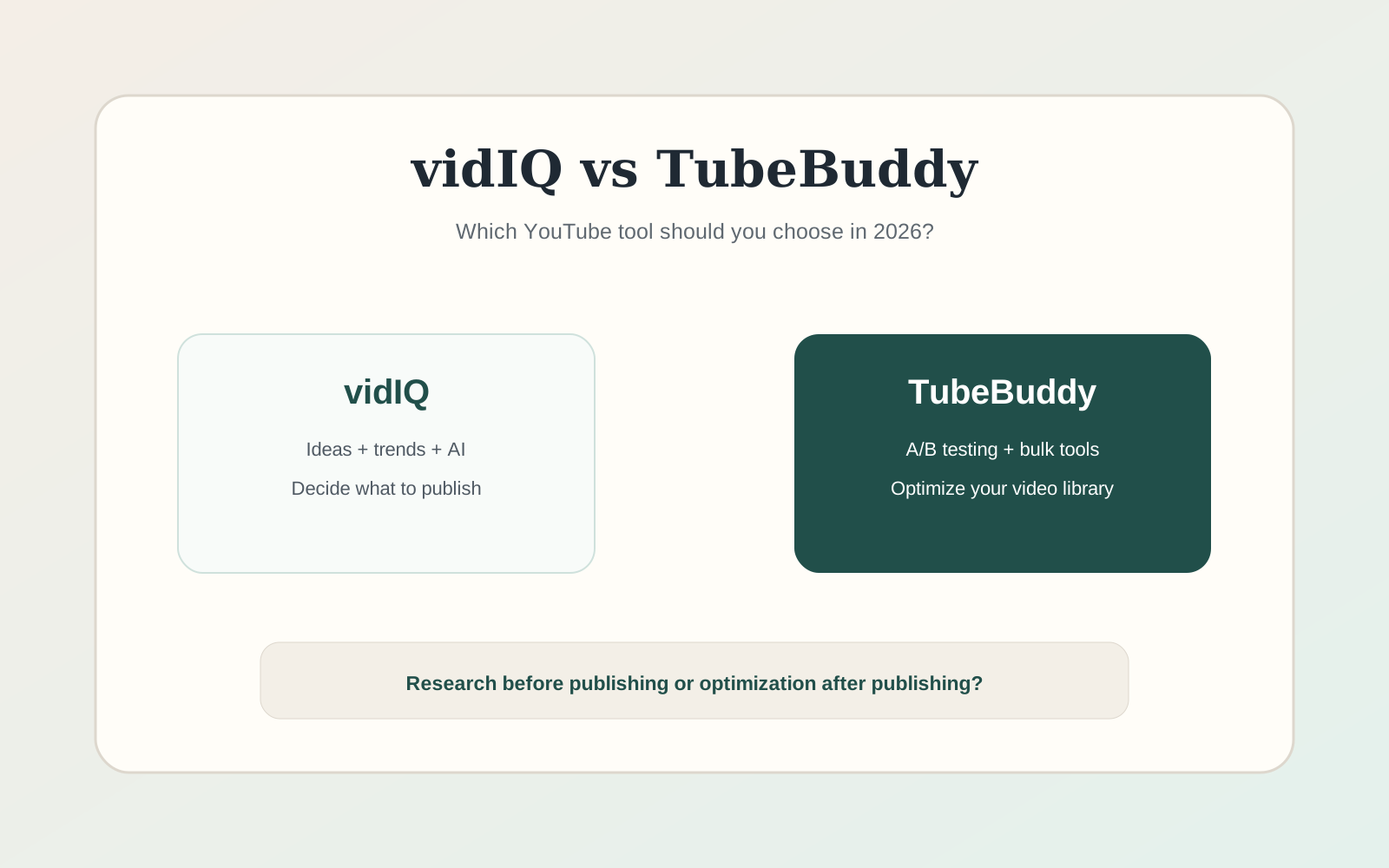
The old “YouTube SEO tool” comparison is now too narrow. vidIQ has moved strongly toward AI-assisted ideation and strategy, while TubeBuddy remains especially useful for optimization, testing and managing a large back catalog.
vidIQ vs TubeBuddy: the short answer
vidIQ is generally the stronger fit when idea generation, strategy and AI-assisted planning are the bottleneck. TubeBuddy remains compelling for creators who value optimization, testing and managing a larger existing video library. The choice should follow your channel stage: deciding what to publish is a different problem from optimizing hundreds of videos already published.
- vidIQ: ideation and strategy-oriented workflow.
- TubeBuddy: optimization, testing and back-catalog management.
- Do not choose based on a single keyword score; test the workflow that matters to your channel.
| Need | vidIQ | TubeBuddy |
|---|---|---|
| Video ideas | Strong | Useful, but less central |
| Keyword research | Strong | Strong |
| Titles & AI assistance | Strong | Available, plan-dependent |
| Thumbnail/title testing | Check current feature set | Core strength |
| Bulk channel management | More strategy-oriented | Stronger for library operations |
| Best fit | Creators planning new content | Creators optimizing an established library |
The real choice: planning or optimization?
YouTube growth is not one task. Before publishing, you need ideas, audience insight, packaging and competitive context. After publishing, you need retention analysis, title and thumbnail iteration, metadata maintenance and library management. vidIQ and TubeBuddy overlap, but they emphasize different parts of that lifecycle.
If you represent a brand choosing a YouTube channel to sponsor, the buying question changes: you need to assess a partner’s audience rather than optimize your own videos. Our HypeAuditor audience-data review explains what the reports can support and which evidence still needs checking before a partnership.
If you are a new creator with no publishing system, the ability to generate another keyword score is less important than developing a repeatable idea pipeline. If you already have hundreds of videos, bulk optimization and testing can save far more time.
Which is better for video ideas?
vidIQ is the more natural fit when ideation is the bottleneck. Its product direction is increasingly built around helping a creator decide what to make next, not only how to tag an existing upload.
Treat AI-generated ideas as hypotheses. The strongest idea is still the one that matches your channel’s audience, your ability to deliver a compelling video and evidence from recent viewer behavior.
YouTube SEO and keyword research
Both products can help with search-oriented research, but keyword scores should not be mistaken for a guarantee of ranking. YouTube recommendations are heavily driven by viewer response, topic fit, packaging and satisfaction. Search volume and competition estimates are useful inputs, not a complete strategy.
Use keyword research to understand language and demand. Then inspect the actual search results: what formats are winning, how old the top videos are, whether the query expects a tutorial, review, comparison or entertainment result, and whether your channel has a credible angle.
Titles, thumbnails and testing
Packaging is one of the highest-leverage areas because a good video can underperform when the title and thumbnail fail to earn the click. TubeBuddy’s testing workflow remains one of the clearest reasons to choose it for an established channel.
Be careful with A/B interpretation. A thumbnail test needs enough impressions and comparable traffic. A result from a small channel can be noisy, and changes in external traffic or recommendation placement can affect the apparent winner.
AI features: useful, but not the moat by themselves
AI can draft titles, descriptions and ideas, but any general-purpose model can do that. The value of a YouTube-specific tool is the context it brings from your channel, competitors, historical performance and publishing workflow.
That is why the question is not “which one has more AI?” but “which one turns channel-specific data into better decisions?”
Pricing and free plans
Both vendors change plans and feature allowances over time. Use the free tier to test the workflow, not just the interface. Try the exact feature that would justify paying: a research session, a test, a bulk update or an AI strategy workflow.
For teams and agencies, inspect channel limits, user seats and account structure. A plan that looks cheap for one creator can become expensive when multiplied across clients.
Which one should you buy?
- Choose vidIQ if you need a stronger idea and strategy workflow for new videos.
- Choose TubeBuddy if testing, bulk updates and back-catalog optimization are central.
- Use neither if your publishing cadence is low and a spreadsheet plus YouTube Analytics already answers your main questions.
- Do not outsource creative judgment to a keyword score or AI suggestion.
A one-month test for established channels
For an established channel, split the evaluation into two weeks of planning and two weeks of optimization. During the planning phase, record how many publishable ideas, titles and competitive insights each tool produces and how often those suggestions influence the editorial calendar. During the optimization phase, track tests, bulk changes and the time saved managing existing videos.
Do not use views alone to declare a winner because the videos themselves are different. Instead, evaluate workflow metrics first: time saved, number of useful decisions, testing cadence and whether the tool surfaces insights you would not have found in YouTube Studio. Then use video performance as supporting evidence over a longer period.
This approach also prevents paying indefinitely for a tool that was useful during channel setup but no longer changes decisions once the creator has built a mature internal process.
Frequently asked questions
Is vidIQ better than TubeBuddy for beginners?
vidIQ can be easier to justify when a beginner needs help with ideas and planning, but the free versions of both are worth testing.
Which is better for A/B testing?
TubeBuddy has historically made testing a central part of its value proposition. Verify current plan availability before subscribing.
Do these tools guarantee more views?
No. They can improve research and workflow, but viewer response, topic choice, packaging and content quality still determine performance.
Sources and verification
Product capabilities and pricing can change. We prioritize first-party documentation for purchase-critical details and recommend checking the vendor before subscribing.