Updated September 15, 2026 · Reviewed for pricing, product positioning and source accuracy
Descript vs Riverside: which should you choose in 2026?
Descript and Riverside increasingly overlap, but their center of gravity is still different. Riverside begins with high-quality remote recording; Descript begins with an editing workflow where audio and video can be manipulated through text.
Descript vs Riverside: the short answer
Choose Riverside when reliable remote capture and guest recording quality are the priority. Choose Descript when the expensive part of your workflow is editing and repurposing recorded audio or video. Many professional teams can use both, but if you are choosing one, start with the stage of production where failure costs the most time.
- Riverside: capture-first workflow.
- Descript: edit-first, transcript-driven workflow.
- Test the guest experience and export workflow before deciding.
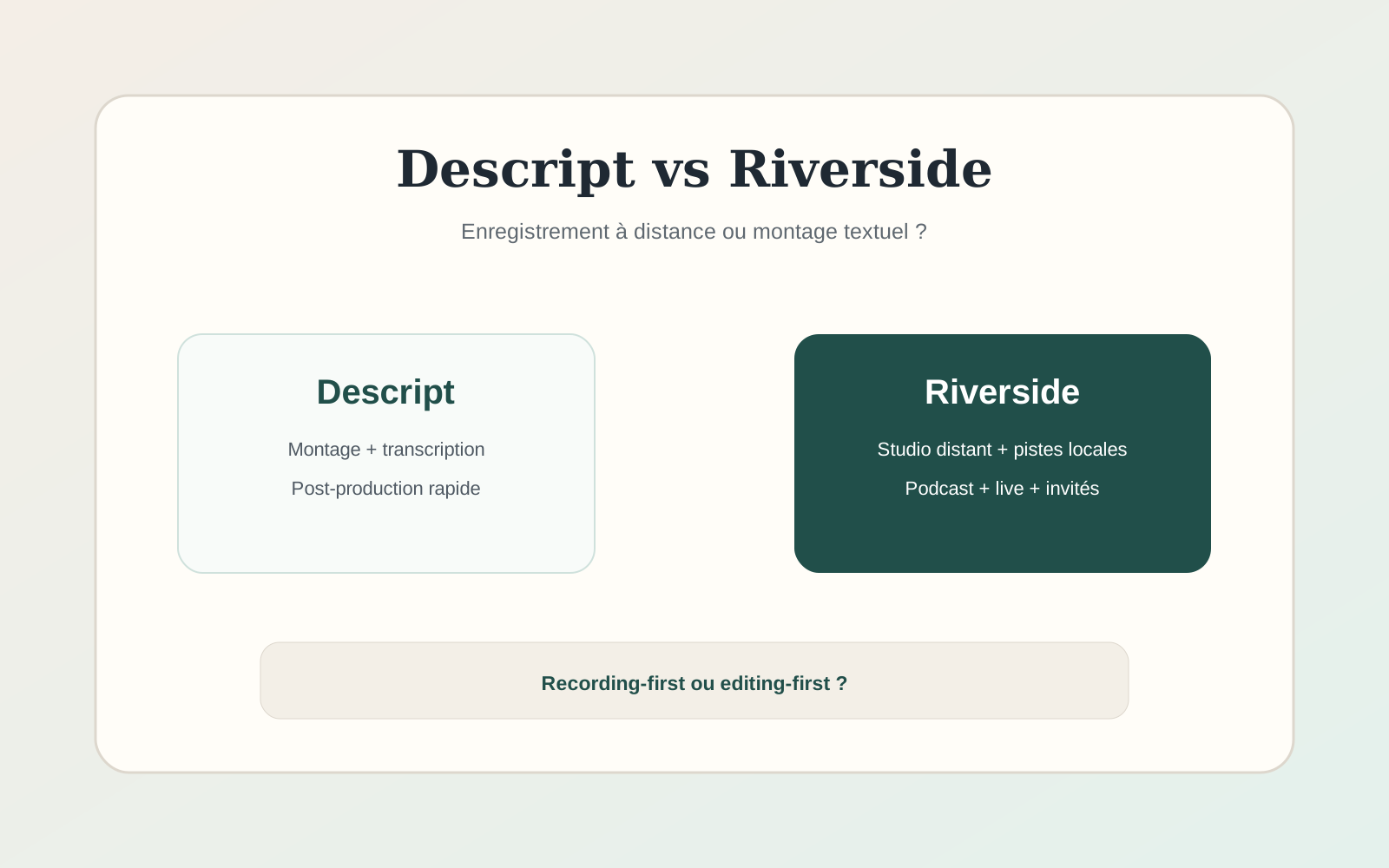
| Need | Descript | Riverside |
|---|---|---|
| Remote recording | Good, but not the core identity | Core strength |
| Text-based editing | Core strength | Available editing, but not the same center of gravity |
| Podcast/video post-production | Strong | Strong and improving |
| Repurposing clips | Strong | Strong |
| Best fit | Creators with editing bottlenecks | Interview/podcast teams with capture bottlenecks |
Start with the bottleneck
If a remote interview fails to record cleanly, no editing feature can fully restore the lost source. That is why Riverside makes sense when capture quality and remote guest reliability are the non-negotiable part of the workflow.
If recording is already solved but editing takes hours, Descript’s transcript-based model can change the economics of production more dramatically.
Recording and source quality
Riverside built its reputation around locally recorded tracks that are uploaded from each participant, reducing dependence on the live call connection. That is especially useful for podcasts, interviews and customer content where remote guests have inconsistent internet connections.
Always test the guest experience, browser requirements, backup behavior and what happens when a participant closes the session early.
Editing through text
Descript’s distinctive workflow treats the transcript as an editing interface. Removing words can remove the corresponding audio/video, which can be much faster for spoken-content editing than a traditional timeline.
This is particularly useful for interviews, tutorials and podcasts with a lot of dialogue. Complex cinematic edits may still be more comfortable in a full nonlinear editor.
AI features and cleanup
Both products now include AI-assisted editing and repurposing. The useful question is whether the feature shortens your real workflow: removing filler, cleaning audio, finding clips, generating captions or restructuring a rough cut.
Do not choose solely on the number of AI buttons. Compare the time from raw recording to publishable asset.
Using both tools together
For teams where both capture and post-production matter, a two-tool stack can be rational. Record remote guests in Riverside, export the files, then use Descript for transcript-driven editing and repurposing.
The downside is another subscription and another handoff. If one product now covers 90% of your needs, simplicity may be worth more than best-in-class performance at each stage.
Which should you choose?
- Choose Riverside if remote recording quality and guest capture are the main risks.
- Choose Descript if spoken-content editing and repurposing consume the most time.
- Use both only when the production volume justifies the extra cost and handoff.
- For cinematic or effects-heavy editing, compare a traditional NLE as well.
A practical test before paying for either platform
Record the same 20-minute remote interview in the workflow you would actually use. Include a guest on a mediocre connection, a screen share and a few interruptions. Then time how long it takes to produce a clean five-minute edit, captions and two short clips. This exposes the difference between a polished demo and your production reality.
Score source reliability, guest friction, transcript accuracy, editing speed, export quality and team handoff. If one product wins recording but loses badly in post-production, calculate whether a two-tool stack is still cheaper than the staff time it saves. The answer can differ dramatically between a solo creator and a weekly podcast team.
Also test the failure path: what happens when a browser crashes, a guest leaves early or an upload stalls? For professional interview workflows, recovery and backup behavior can matter more than another generative feature.
For teams producing sponsored content, training or interviews at scale, export options and collaboration permissions should also be part of the test. Check whether editors can work without sharing one login, whether comments survive the handoff and whether the final media can be archived outside the platform. A tool that is fast for one creator can become awkward once production involves a producer, editor and client reviewer.
Cost and stack complexity
Pricing should be compared against the whole production stack, not in isolation. If Descript replaces a transcript service, captioning tool and part of your editor workflow, its effective cost is lower than the plan price suggests. The same is true for Riverside if it replaces a separate remote-recording platform and reduces the number of failed sessions.
For a team, multiply seat costs and add storage or usage limits before deciding. A tool that looks inexpensive for one host can become a meaningful monthly expense once editors, producers and guests need access. The cleanest stack is often the one that removes handoffs without forcing the team to compromise on the stage that matters most.
Frequently asked questions
Is Descript better than Riverside?
Descript is usually stronger as a transcript-led editing environment; Riverside is usually stronger when remote capture is the primary requirement.
Can Riverside replace Descript?
For some workflows, yes, especially as Riverside adds more editing features. Compare your actual editing requirements.
Can Descript record remote interviews?
Yes, but teams that prioritize remote capture should still compare the recording workflow and reliability directly with Riverside.
Sources and verification
Product capabilities and pricing can change. We prioritize first-party documentation for purchase-critical details and recommend checking the vendor before subscribing.